You've packed your console and your passport, but did you prepare your digital life for the trip? Logging into your Steam, PlayStation, or Xbox account from a new country can trigger security alerts, and using unsecured public Wi-Fi can expose your credentials to bad actors. Protecting your valuable game library is just as important as not losing your luggage.
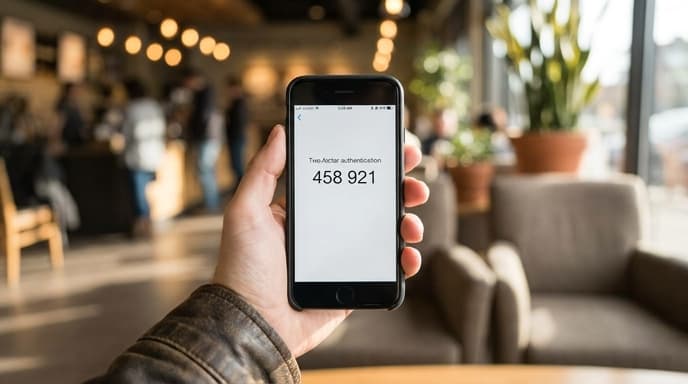
Don't wait until you're locked out of your account to think about security. Follow this checklist before and during your travels to keep your accounts safe and accessible, no matter where you are in the world.
Before You Go: Your Pre-Flight Security Checklist
A little preparation at home can prevent major problems abroad. Work through these steps a few days before you depart.
1. Enable Two-Factor Authentication (2FA): If you haven't already, enable 2FA on every gaming account you have. This requires a second piece of information (usually a code from an app or text message) in addition to your password. It's the single most effective thing you can do to protect your account.
2. Use an Authenticator App: When setting up 2FA, choose an authenticator app (like Google Authenticator, Authy, or Microsoft Authenticator) over SMS/text messages. You might not have reliable cell service abroad to receive a text, but an authenticator app works offline on your phone.
3. Save Your Backup Codes: This is critical. When you enable 2FA, services like Steam and PlayStation provide a set of one-time-use backup codes. Save these codes somewhere safe and accessible offline. Take a screenshot and save it to your phone's secure folder, or write them down and keep them in your wallet. If you lose your phone, these codes are your lifeline.
4. Review Connected Devices: Check the security settings of your accounts and log out of any old devices you no longer use. This reduces the number of potential points of failure.
While You're Traveling: Smart On-the-Go Habits
Once you're on your trip, a few cautious habits will help keep you safe.
Be Wary of Public Wi-Fi
The free Wi-Fi at the airport, cafe, or hotel is a huge convenience, but it's also a security risk. These networks are often unencrypted, meaning a savvy attacker on the same network could potentially intercept your data. Avoid logging into sensitive accounts or making purchases on public Wi-Fi unless you take precautions.
Use a VPN
A Virtual Private Network (VPN) is your best defense on public Wi-Fi. It creates an encrypted tunnel for your internet traffic, hiding your activity from anyone else on the network. Connecting to a VPN before you log into your gaming accounts adds a powerful layer of security.
Don't Panic at Security Alerts
When you log in from a new country, you will likely receive an email or notification saying, 'We've detected a new sign-in.' This is your security system working as intended! Read the alert carefully. If it was you, you can usually ignore it or click a button to confirm the activity was legitimate. This is where having app-based 2FA is crucial, as it allows you to prove your identity easily.
Frequently Asked Questions
What if I lose my phone with my authenticator app?
This is exactly why you saved your backup codes. You can use one of those codes to log into your account and set up 2FA on a new device. If you use an app like Authy, you can also enable cloud backups to restore your codes on a new phone.
Could I get banned for logging in from another country?
It's highly unlikely. Most platforms understand that users travel. The security systems are designed to flag suspicious activity, not punish legitimate users. However, using a VPN to buy games from a different region's store to get a lower price can violate terms of service and put your account at risk. Using a VPN for security is generally fine.
Should I change my password when I get home?
It's not a bad idea, especially if you spent a lot of time on public networks. A simple password update upon your return is a good security habit to get into.
Key Takeaways
- Enable two-factor authentication (2FA) using an authenticator app on all your gaming accounts before you travel.
- Save your 2FA backup codes in a secure, offline location. They are your emergency access key.
- Be cautious on public Wi--Fi. Use a VPN to encrypt your connection when logging into accounts or making purchases.
- Expect security alerts when you log in from a new location; this is normal.
- Using a VPN for security is safe; using it to circumvent regional pricing may put your account at risk.
Related Reading
- How to Use a VPN for Travel and Gaming Abroad
- Beyond 'Password123': A Gamer's Guide to Using a Password Manager
- How to Secure Your Game Library with Two-Factor Authentication (2FA)