A free trial for a streaming service, a gaming subscription, or a new app seems like a no-risk proposition. But companies count on you forgetting to cancel before the trial ends, converting you into a paying subscriber. A few forgotten trials can add up to significant, unwanted charges on your credit card.
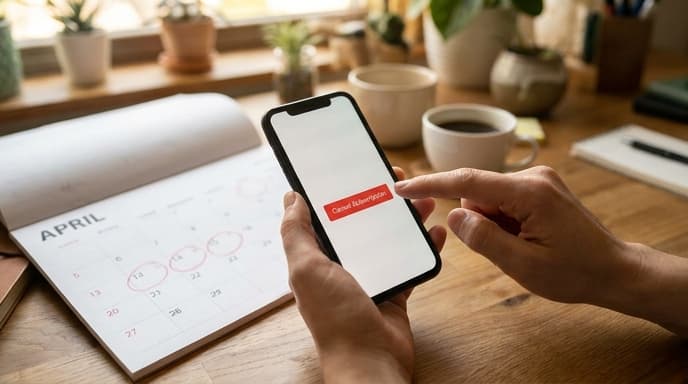
With a couple of simple habits, you can take control, try out the services you want, and confidently manage free trials to avoid ever paying an accidental fee.
Strategy 1: The Calendar Reminder
This is the most straightforward and reliable method. The moment you sign up for a free trial, open your calendar app of choice—on your phone, your computer, wherever you'll see it.
- Create a new event on the day the trial is set to expire.
- Set a reminder for that event. Don't just set it for the day of; set a second reminder for one or two days before the trial ends. This gives you a buffer in case you're busy on the final day.
- In the event's title or notes, include the name of the service and a direct link to the cancellation page if you can find it. This saves you from having to hunt for it later.
This simple, 30-second action is the most effective way to keep track of your trial periods and make an informed decision about whether to keep the service.
Strategy 2: Cancel Immediately
Did you know that for most services, you can cancel your subscription immediately after signing up and still retain access for the entire trial period? This is the most foolproof method to avoid being charged.
The process is simple:
- Sign up for the free trial and enter your payment information.
- As soon as your account is active, go directly to your account or subscription settings.
- Find the 'Cancel Subscription' or 'Do Not Renew' option and select it.
The service will almost always display a message confirming that you can continue to use the features until the original trial end date. By doing this, you remove the risk of forgetting entirely. The only downside is that you won't be able to easily convert to a paid subscription if you decide you love the service; you'll have to sign back up.
Finding Your Active Subscriptions
If you've lost track of what you're subscribed to, you can often find a list in a central location. This can help you spot trials you may have forgotten about.
- For Apple devices: Go to Settings > [Your Name] > Subscriptions. This will show you all active subscriptions linked to your Apple ID.
- For Android devices: Open the Google Play Store app, tap your profile icon, and go to 'Payments & subscriptions' > 'Subscriptions'.
- Check your credit card statements: Regularly review your bank and credit card statements for recurring charges from services you don't recognize or no longer use.
FAQ: Managing Free Trials
What if I forget to cancel and get charged?
If you are charged, you can try contacting the service's customer support immediately. If you haven't used the service since the charge, some companies may be willing to offer a refund as a gesture of goodwill, though they are not obligated to.
Can I sign up for another free trial with a different email?
While technically possible, most services have terms of service that prohibit users from creating multiple accounts to exploit free trial offers. They may also track payment methods or device IDs to prevent this.
Why do services need my credit card for a 'free' trial?
Companies require payment information upfront for two main reasons. First, it makes the transition to a paid subscription seamless if you choose to continue. Second, and more importantly for their business, it increases the likelihood that people who forget to cancel will become paying customers.
Key Takeaways
- To avoid unwanted fees, you must be proactive about managing free trials.
- The moment you sign up, set a calendar reminder for at least one day before the trial ends.
- For most services, you can cancel the subscription immediately after signing up and still use the full trial period.
- Regularly check your Apple ID or Google Play subscriptions page to see all your active trials and subscriptions.
- Review your bank statements to catch any recurring charges you may have forgotten about.
Related Reading
- How to Audit Your Streaming Subscriptions and Save Money
- Who's Listening? How to Audit and Manage App Permissions on Your Phone
- Beyond 'Password123': A Gamer's Guide to Using a Password Manager