Think about the value of your gaming accounts. From the games you've purchased on Steam to the rare skins in your Epic Games account, it all adds up. If a hacker gets into one account because you reused a password from a less secure website, you could lose everything. This is where a password manager becomes essential.
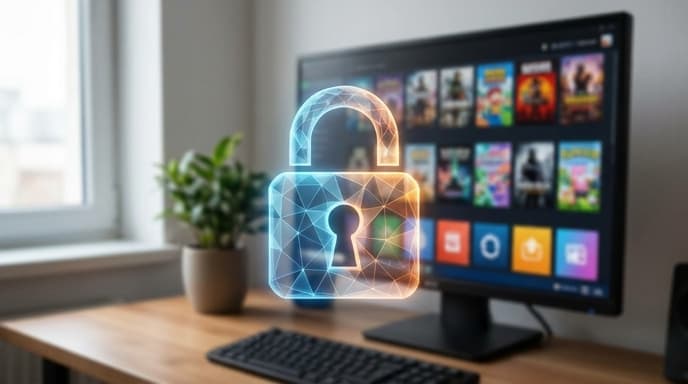
A password manager is a simple tool that dramatically increases your online security with very little effort. It's the digital equivalent of a high-security vault for your logins.
What Is a Password Manager?
A password manager is a software application designed to do three things:
- Generate long, random, and strong passwords for you (e.g., `Jk9!z$3&p@5*Gq7#`).
- Store all your different usernames and passwords in a heavily encrypted database.
- Autofill your login details on websites and in apps, so you don't have to remember or type them.
You only have to remember one thing: the single, strong master password that unlocks the password manager itself. Many popular options are available, including those built into your browser (like Google Password Manager or iCloud Keychain) and dedicated third-party apps.
Why Is This Crucial for Gamers?
Gaming accounts are a high-value target for hackers for several reasons:
- Financial Value: Your account is tied to your payment information and contains hundreds or thousands of dollars worth of purchased games.
- Tradable Items: In-game items, skins, and currencies can be sold or traded, making your account a source of real-world profit for thieves.
- Identity: Your gamer tag and friends list are part of your online identity. Losing them can be disruptive and distressing.
Using a password manager ensures that every single gaming service you use—Steam, Epic, Ubisoft Connect, EA App, GOG, Battle.net—has its own unique, unguessable password. If one service ever has a data breach, the rest of your accounts remain completely safe.
How to Get Started in Three Steps
Switching to a password manager is easier than you think.
- Choose a Password Manager: Start with the one built into your web browser or operating system, as they are free and easy to enable. Or, you can look into dedicated apps that offer more features and sync across all devices.
- Create a Strong Master Password: This is the one password you'll have to remember. Make it long and memorable to you, but hard for others to guess. A phrase of four or more random words is a great method (e.g., 'CorrectHorseBatteryStaple').
- Start Saving Passwords: The next time you log in to a website, let the password manager save your credentials. For new accounts, use its generator to create a strong password. Over time, go back and update your most important accounts (email, banking, and gaming) with new, generated passwords.
Frequently Asked Questions
Is it safe to store all my passwords in one place?
Yes. Reputable password managers use strong, end-to-end encryption. The data is scrambled on your device before it's ever sent to the cloud. As long as you keep your master password secret, your vault is secure.
What if I forget my master password?
Forgetting your master password can mean losing access to your vault, which is why it's so important to make it memorable. Some services offer recovery options, but they are often intentionally limited for security reasons. Write it down and store it in a physically secure location, like a safe.
Are free password managers good enough?
For many people, yes. The password managers built into Google Chrome, Safari (iCloud Keychain), and Microsoft Edge are excellent starting points and are far better than using no manager at all.
Key Takeaways
- A password manager generates and stores strong, unique passwords for all your online accounts.
- Gamers are prime targets for hackers due to the financial and personal value of their accounts.
- Using a password manager prevents a data breach at one site from compromising your other accounts.
- You only need to remember one strong master password to unlock your entire password vault.
- Start by using the password manager built into your browser and begin updating your most critical accounts first.
Related Reading
- How to Secure Your Game Library with Two-Factor Authentication (2FA)
- How to Audit and Manage App Permissions on Your Phone